
H+ Network Settings
1Either you dont have a 4G SIM. Select Wireless and Networks and TAP on MORE.

Hspa Optimizer Pro H Signal Stabilizer For Android Apk Download
There tap on the SIM of 4G you are operating.

H+ network settings. Scroll Down and Touch on Mobile Network. Check whether 4G is enabled. If so have you turned on LTE.
Select Vi windows - selecting network manually for windows phone. First Go to Settings. T-Mobile might need to update the carrier aggregation for your area to keep devices from constantly switching towers under certain circumstances.
Set preferred network type or Switch Change 2G to 3G 4G LTE only mode in Android Phone. But here in America 3G4GLTE symbols show on the iPhone for the difference between 3G and H. 2There is not 4G network in that area.
Then tap on Prefer LTE. Turn Off Automatic 4. I have no affiliation whatsoever with O2 or any subsidiary companies.
Its much faster than regular 3G. If you have you will have to call to check that you have the correct data bolt on as you may be on Blackberry data by mistake. Doing so will trigger a pop-up menu to show up.
Scroll down and tap Mobile networks. Go to Settings 2. If it shows H It is meant that the current network is a 3G network.
I dont know about the European network scheme as 3G may only show for both networks. If the default APN got slow internet you can use some of these working and fast APNs for Smart TNT SUN. 3 Go to setting in SIM card and Mobile network.
The CDMA would only be useful when roaming on to Sprint. With the above provided information follow these simple steps on your smartphone. If only one SIM card is installed.
H is basically advanced 3G. Go to Mobile Networks 4. Settings Cellular Data I highly recommend using that network as it is more efficient and faster than 3GH.
Go to More Settings under WiFiBluetoothData Usage 3. When youre seeing that it means you dont have access to that networks 4G LTE but you do have access to their 3G HSPA. Go to Settings 2.
Also in Settings More Mobile Networks Data Connection and. Swipe down from the status bar to open the notification panel touch and hold the Mobile data icon to enter the settings screen and enable Enable 4G or set Network mode to 4G3G2G auto. Setting the network to LTE only will limit what your device connects to.
A new screen you will see cellular data and network settings to manage. Select Vi iOS Blackberry. You can use these apn configurations on.
25 rows Go to Settings More Mobile Networks Access Point Names Click to enlarge Here are the 3GGPRS internet settings for setting up mobile internet access manually on your phone. I would leave it on the default or UMTSLTE if thatbis an option. For those using Android phones please go to SettingsMoreMobile networksAccess Point NamesMenu Now try to create a new apn and type in the Airtel APN Settings that you have seen from above.
These APN Settings will work on any network mode like 5G 4G LTE H H WCDMA 3G HSPA and many more. 3 We dont know how service providers calculate the data usage so the possibility of difference in calculation will remain there. KeepTransisting Apr 23 2019.
Select GSMWCDMAAuto Mode You should be good to go. IOS - selecting network manually for IOS. There go on preferred network type.
Here you should get 3 options GSMWCDMAAuto Mode GSM Only WCDMA Only. Go to Settings 2. Airtel apn Settings Step by Step configuration.
Create Idea internet apn settings manually for all new Android mobile phones Android 44 to 60 support See the full video to know more. It may be 3 reason for this. 2 E H and H signs are there to give you an idea about connection speed.
Check your network settings and make sure you have 4g or LTE selected. Idea Mobile 4G LTE Internet APN Settings for Android Redmi Mi Note Samsung Galaxy S8 S9 J1 J7 J2 HTC Huawei MotoG MotoG MotoZ2 Asus Lenovo Oppo LG Sony Xperi. You can do this by going to Settings More Mobile Networks Access Point Names select your SIM if you have more than 1 inserted and then check the settings with your network operator.
Select Network Mode or Preferred network Type Some option Will Pop in the Screen. Tap on Dual SIM SIM Settings. Also go to Settings More Mobile Networks 3G Service and ensure the 3G service is enabled on your active SIM.
Mobile SIM 3.
No 3g H H Only 4g Or E Xiaomi European Community

How To Fix Mobile Data Connectivity Problems 3g H H On Samsung Galaxy S5
How To Force 4g Lte On Android Phones Steemit

How To Change Or Switch E G Status Icon To 3g H H 4g Lte On Your Phone

How To Get H On Your Android Phone Youtube

Idea Internet Settings For Android 2g 3g 4g Volte Network Settings H Samsung Mobile Phone Youtube
How To Change From H To 4g Quora

The Meaning And Maximum Download Speed Of 2g E H H 3g And 4g Networks Angelo Science Technology

Reset Network Settings Cat S42 H How To Hardreset Info
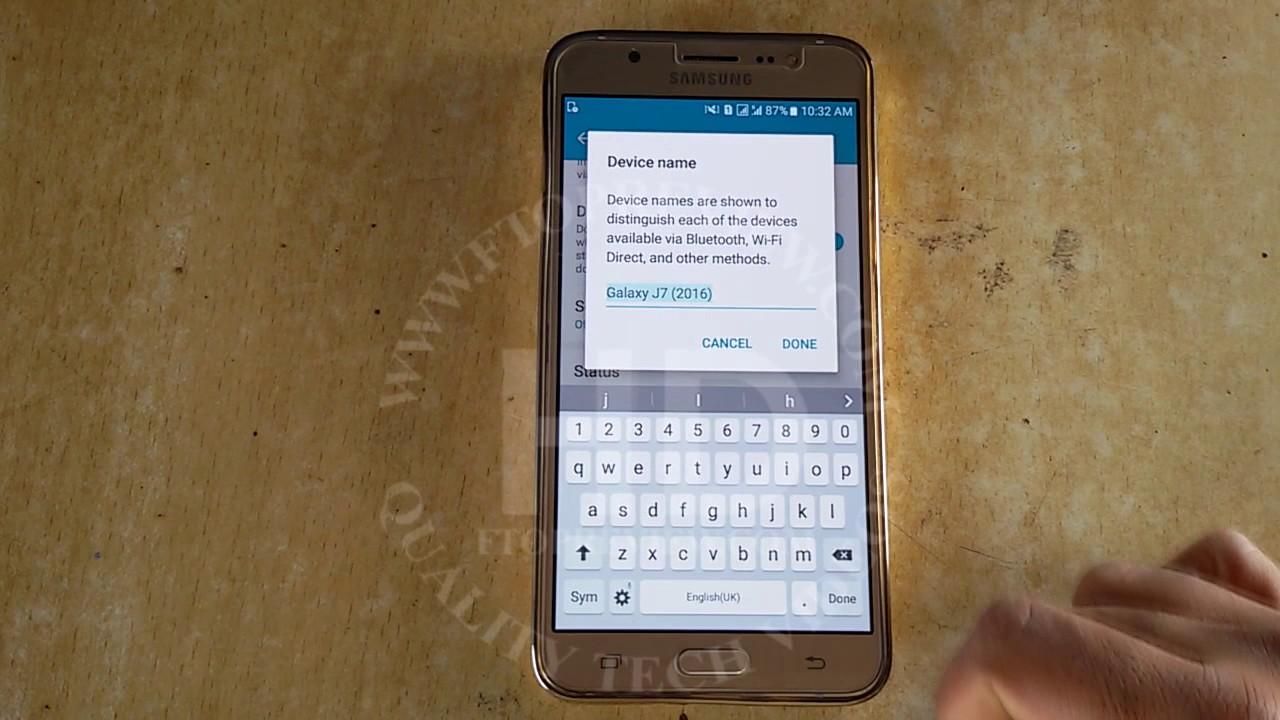
Samsung Galaxy 2g 3g H 4g Volte Network Settings For All Sim Cards Network Mode Mobile Tutorial Youtube

Reset Network Settings Cat S42 H How To Hardreset Info

Posting Komentar untuk "H+ Network Settings"